
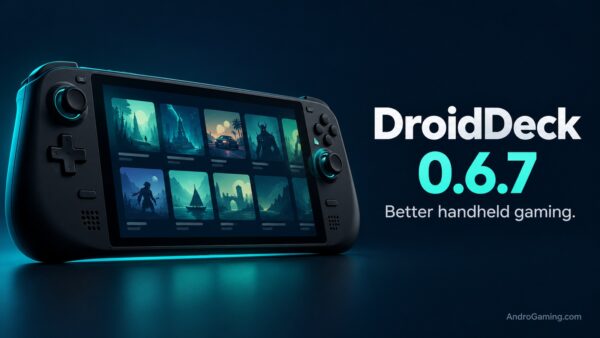
DroidDeck 0.6.7 – better sleep and Steam controls
DroidDeck 0.6.7 is out with a unified game library, closer Steam integration and improved suspend behaviour. Battle.net support and Xbox Cloud Gaming also join the update.
DroidDeck runs Steam’s Big Picture interface on Android, using a Linux environment, ARM64 Proton and FEX translation for compatible PC games. It brings a SteamOS-like experience without replacing Android. Not even rebooting it.
Finally, some sleep
Steam’s brightness and volume sliders now control the device itself. Holding Back will activate Steam Input shortcuts where the screenshots and brightness adjustments live, but a normal tap still opens the session menu.
Suspend fixes release the microphone before freezing a session and stop controller rumble during sleep. The developers report just 2% battery loss in an overnight test with a suspended game. A new Pause button also lets you suspend a session manually.
The unified Library combines installed games and owned titles from connected stores. Battle.net games can be installed through Stores, while Xbox Cloud Gaming adds a separate streaming option. Ubuntu desktop improvements, a new configurable performance HUD and second-screen features for devices such as the AYN Thor round out the release.
One useful fix for existing users, Steam should now retain your selected compatibility tool instead of reverting to the default.
Check your GPU
The requirements remain Android 9 or newer and supported Adreno hardware, with no root required. DirectX 11 games may work through DXVK 2 and DirectX 12 can still crash. Mali and Xclipse are unsupported for local PC gaming.
The release credits 28 contributors since 0.6.0, with major contributions from xXJSONDeruloXx, maxjivi05 and The412Banner.
Links
D.B.