
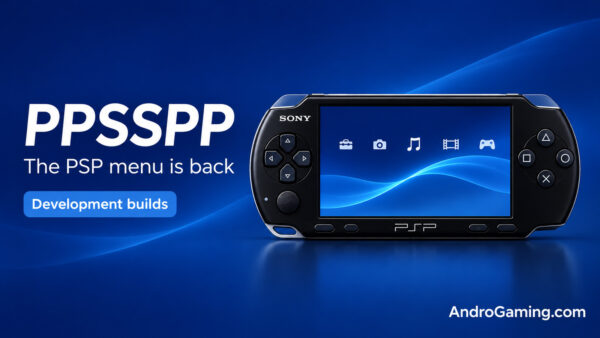
PPSSPP can now run the original PSP menu
PPSSPP’s development builds can now run the PSP’s original XMB interface, with support planned for version 1.21. Android users can try it now without waiting for the stable release.
XMB is short for Xross Media Bar, runs from actual PSP firmware. So yes, this is Sony’s original interface, not some fancy make-up theme, and yes you can run games through it.
To try it, download a recent Android build from the official development builds page. The XMB setup guide links to Sony’s official 6.61 firmware update. Open that update in PPSSPP to install it, then head to Settings → Tools → PSP Firmware → Launch XMB.
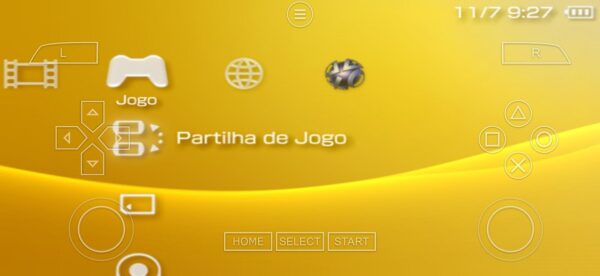
Once running, you can browse the menus, play supported music and view photos. For a PSP disc image, use Insert UMD from PPSSPP’s pause screen.
There are limitations. Save states (not to be confused with in-game saves) do not work while XMB is running, and development builds can introduce crashes or other problems. Back up your saves before experimenting, particularly if you normally use PPSSPP’s stable release.
Feeling nostalgic, well this a perfectly reasonable excuse to try this.
Links
PPSSPP development builds
Official XMB setup guide
PPSSPP on GitHub
PSP Official Firmware 6.61 Download
M.J.