
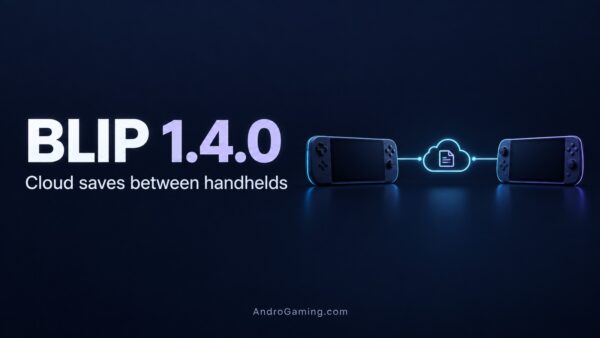
Blip 1.4.0 – cloud saves between Android handhelds
Blip 1.4.0 adds cloud save syncing to the Android game launcher, alongside improved RetroAchievements matching and its first GitHub APK release. Switching handhelds could finally involve less digging through folders by hand and spend that time playing.
Blip is a controller friendly launcher for Android 12 and newer. Give it your game collection and watch it organise the library and launch them.
Syncing between handhelds
The new Blip Cloud beta offers 100 MB of free storage. Sign in through Google or an emailed code, then grant access to each supported emulator’s save folder. Blip checks for newer saves before launching a game and uploads your progress when the session ends. Files replaced by a download are backed up locally, while the game’s Saves tab lets you restore versions or resolve conflicting progress.
Supported emulators include RetroArch, melonDS, PPSSPP, Dolphin, Azahar, the yuzu family and Vita3K. The developer explains that saves are matched using game identifiers rather than requiring identical folder paths.
Because saves pass through a server, both handhelds do not need to be online together. Automatic Windows and SteamOS syncing is not available yet, although saves can be downloaded manually through the Blip Cloud website.
Pick your download carefully
The GitHub APK supports Obtainium updates and installs alongside the Google Play version. However, RetroAchievements and RomM remain Pro features exclusive to the Play release. Blip Cloud works in both.
RetroAchievements matching now checks ROM hashes first, with a title fallback, and marks supported copies in the library. Achievements are still earned through your emulator.
Other additions include DroidDeck Steam shortcuts, expanded Vita3K file support and more theme controls. Despite the GitHub release, Blip itself is not open source.
Cloud syncing is in beta, and we haven’t tested its reliability. Keep a separate backup of important saves. If you already use Syncthing, the developer recommends letting only one service manage each save folder. Blip Cloud also does not sync the launcher’s own settings yet for some reason.
Links
D.B.