

Pillars of Eternity unofficial Android port
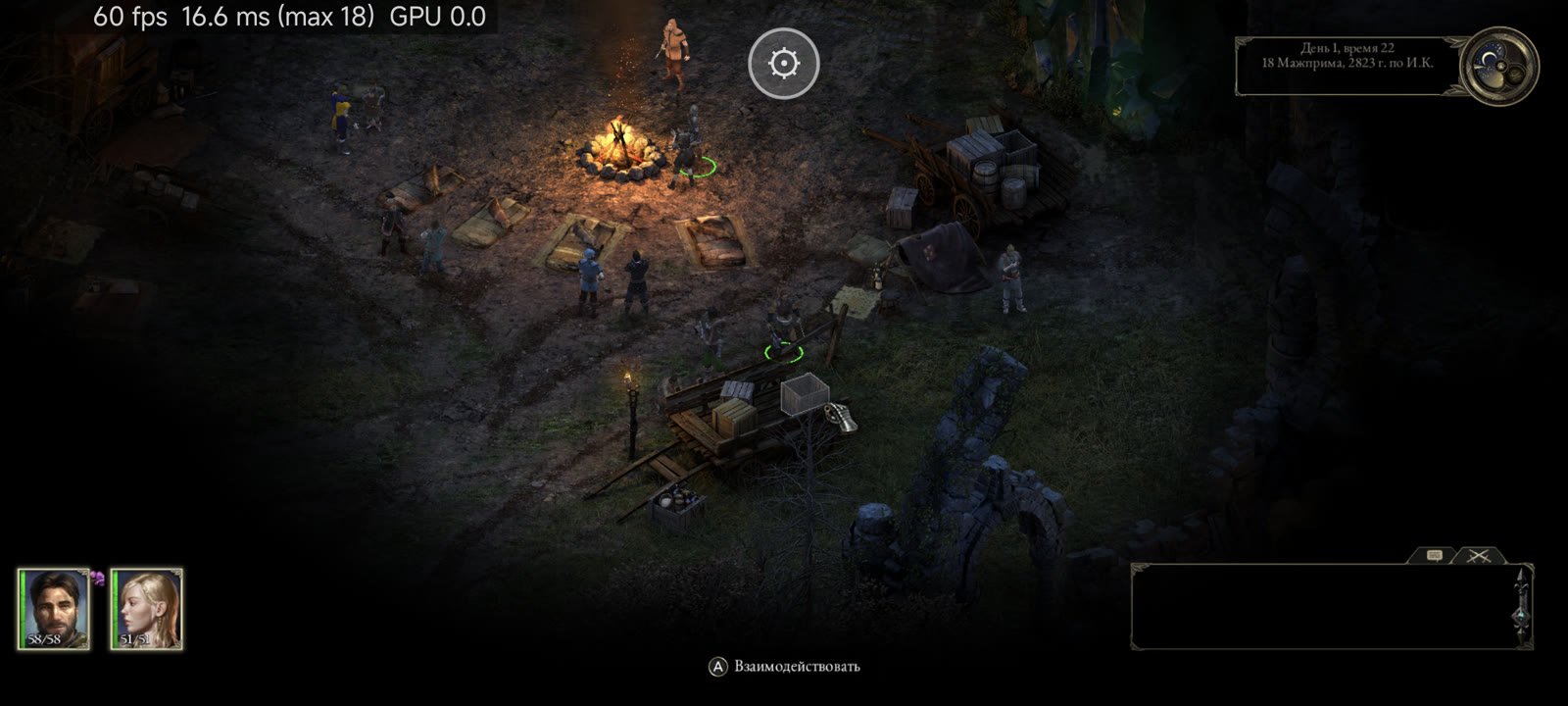
Pillars of Eternity: Complete Edition has an unofficial Android port, made possible by the developer Desm0nt. The first public release, version 0.1.0 is the Nintendo Switch edition and runs in Android’s own Unity player, with touch controls designed around the point-and-click approach familiar to PC players.
The project includes support for both parts of The White March expansion, which are already bundled with the Complete Edition. You will need your own Switch game files to prepare it, though. The downloadable APK contains no game content.
A different route through Unity
Pillars of Eternity Mobile takes advantage of the game’s Unity foundation. The developer replaces the Switch Unity player with the Android player from the same engine version, Unity 2018.1.4f1, and adapts the game’s compiled code to work with it.
The game’s shaders are converted for Vulkan on your computer during setup. On the phone, Unity’s Android renderer handles the graphics directly.
This makes the game a native adaptation, but it still requires compatibility work, and the developer warns that differences between the two Unity players can cause texture, geometry or other problems.
The project credits nx2android’s extraction and rewriting tools, the Ryujinx-based shader translator and work carried over from Desm0nt’s other Android ports.
Gather your party
The touch interface is arguably the most useful part of the package. A tap acts as a left mouse click for selecting characters, moving, attacking, talking and navigating menus. Holding a finger provides a right click, with an adjustable delay.
Two-finger dragging moves the camera, pinching changes the zoom and a two-finger tap pauses the action. Holding two fingers selects the whole party, while a three-finger tap closes a window. There is no PC-style drag-selection box, since that feature is absent from the underlying console build.
If you prefer the console controls, you can use an editable on-screen gamepad instead. Bluetooth and USB controllers are also supported, with the virtual controls hidden while a physical controller is in use.
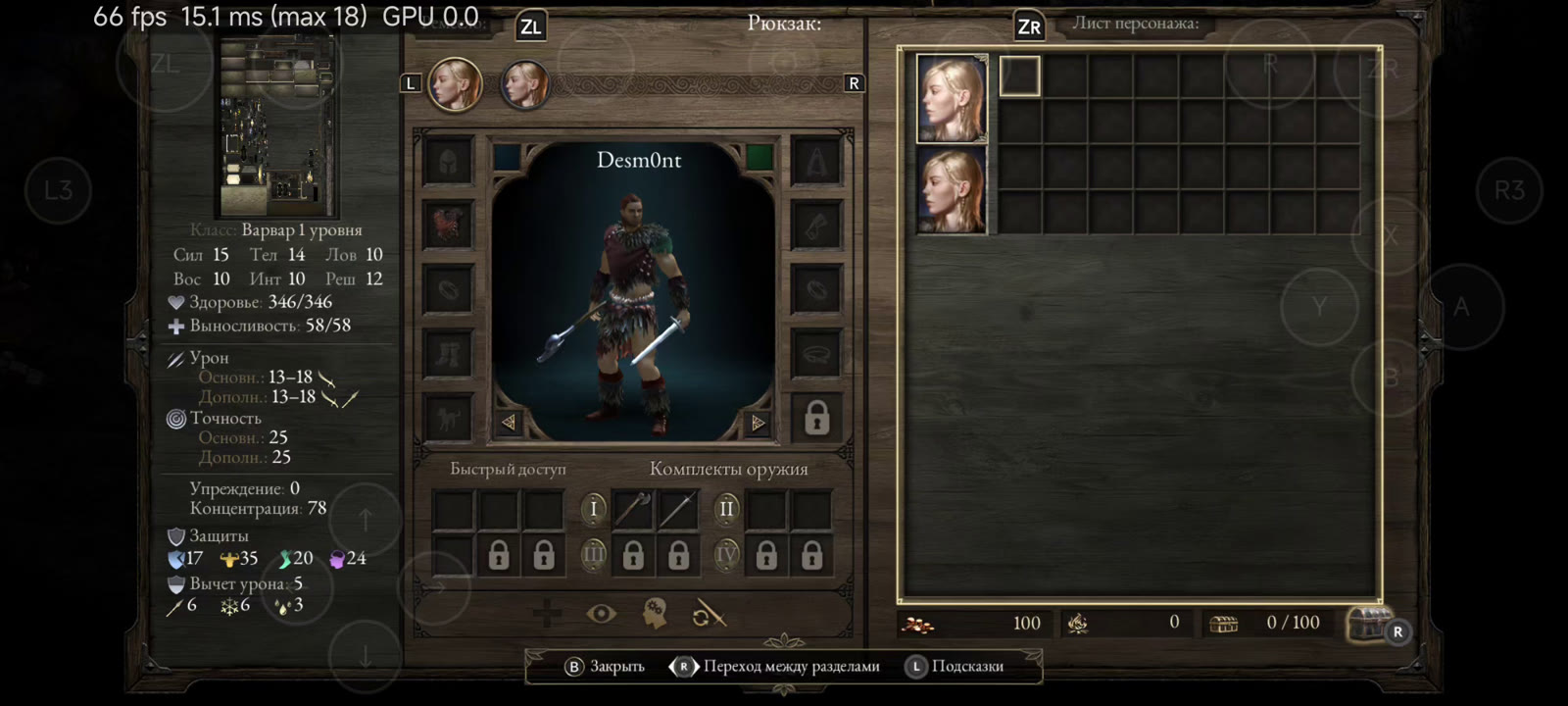
The picture can fill the phone’s aspect ratio without stretching or remain at 16:9 with bars. FPS caps of 30, 60, 90 and 120fps can be changed during play. English is among the seven selectable game languages.
Ongoing tests
Testing so far covers the Xiaomi 14 Ultra with Snapdragon 8 Gen 3 and the Xiaomi 13 Pro with Snapdragon 8 Gen 2, both using their stock drivers. The dev reports approximately 87fps during gameplay on the 14 Ultra, with the menu reaching 120fps.
Setup can also prepare ASTC textures for Mali, PowerVR and Samsung Xclipse GPUs. However, these devices have not been tested.
Setup
Installation requires the Switch base game, update v393216, also identified as version 2.60.00, and your console’s prod.keys. That exact update is required.
On Windows, place the files in the repository’s put-game-files-here folder and run setup.bat. Preparation takes an estimated 20–40 minutes and requires around 90 GB of free computer storage. The resulting phone folder occupies roughly 15–28 GB, depending on the texture sets selected.
Copy the prepared PillarsOfEternityMobile folder into the phone’s Download directory, install the release APK and grant All files access when prompted. Android 8.0 or newer, ARM64 and Vulkan are required.
Saves survive APK updates, but uninstalling the app deletes them. For an RPG of this size, that’ is one particular adventure worth avoiding.’s very good news.
Links
Pillars of Eternity Mobile on GitHub
Download the APK
Installation guide
Report an issue
D.B.