
5 Best PS Vita Games to Test After Installing Vita3K on Android (2026)
Now that the full Vita3K on Android setup guide is live, it is time to get some games up and running.
This article is not another setup tutorial. If you need help installing the emulator, firmware files, NoNpDrm dumps, that is already covered in the previous guide. This one is for the moment after everything is working and you are staring at a fresh Vita3K install with empty homescreen.
Keep your expectations in check: do not start with the hardest game you can think of.
That is how people install Vita3K, boot something absurd like Killzone Mercenary, get frame drops in the first combat sequence and immediately declare the emulator broken. That is not testing. That is self sabotage with extra steps.
The best first games for Vita3K on Android should do at least one of these things:
- Show off why the PS Vita still matters
- Scale nicely on modern Android handhelds
- Look better than people expect
- Reveal whether your device is genuinely Vita3K-capable or just good at pretending
And yes, because everyone wants me to, I am also including the best Turnip driver starting point for each game. Notice the wording there: starting point. There is no universal magic bullet in Vita3K on Android. Driver behavior still varies depending on couple of things like:
- Adreno generation
- Vita3K build
- device thermals
- memory bandwidth
- whether the game is more CPU-bound or renderer-bound
Still, there are a few current standouts that keep showing up in the real world Android testing:
- Mr. Purple T19 for broad compatibility and fewer surprises
- Mr. Purple T20 when a game is unstable or starts doing memory related nonsense
- Turnip 25.1.0 R2 for strong raw performance on newer Adreno 7xx hardware
- Stock Qualcomm Vulkan still relevant more than people think is, especially on Adreno 6xx devices
Also, one quick reminder before we begin: the official Vita3K compatibility list is useful, but it is not a promise that every “Playable” game will behave the same on Android as it does on PC. The Vita3K team itself still notes that compatibility testing is community driven and imperfect, even if the project has improved massively over time.
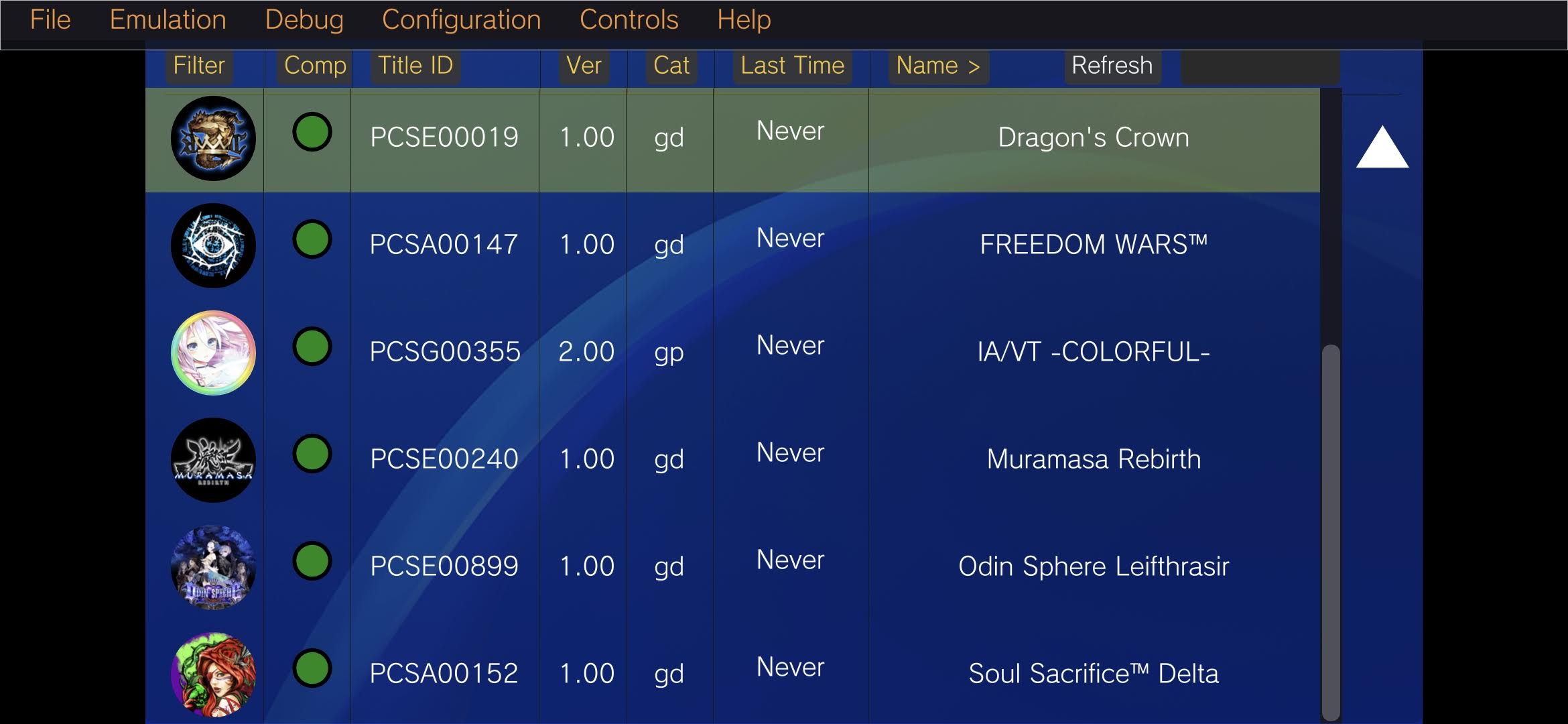
The 5 games that make Vita3K on Android worth your time
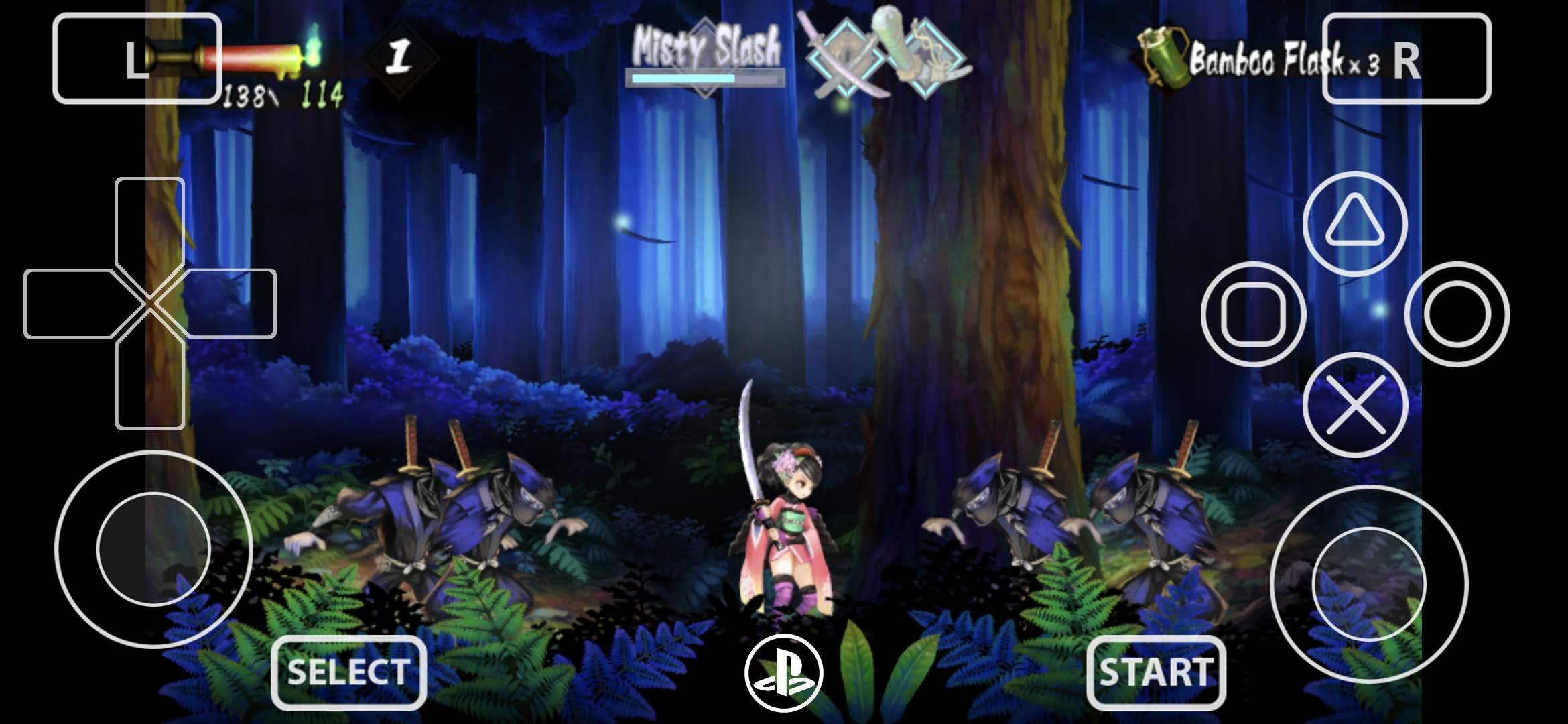
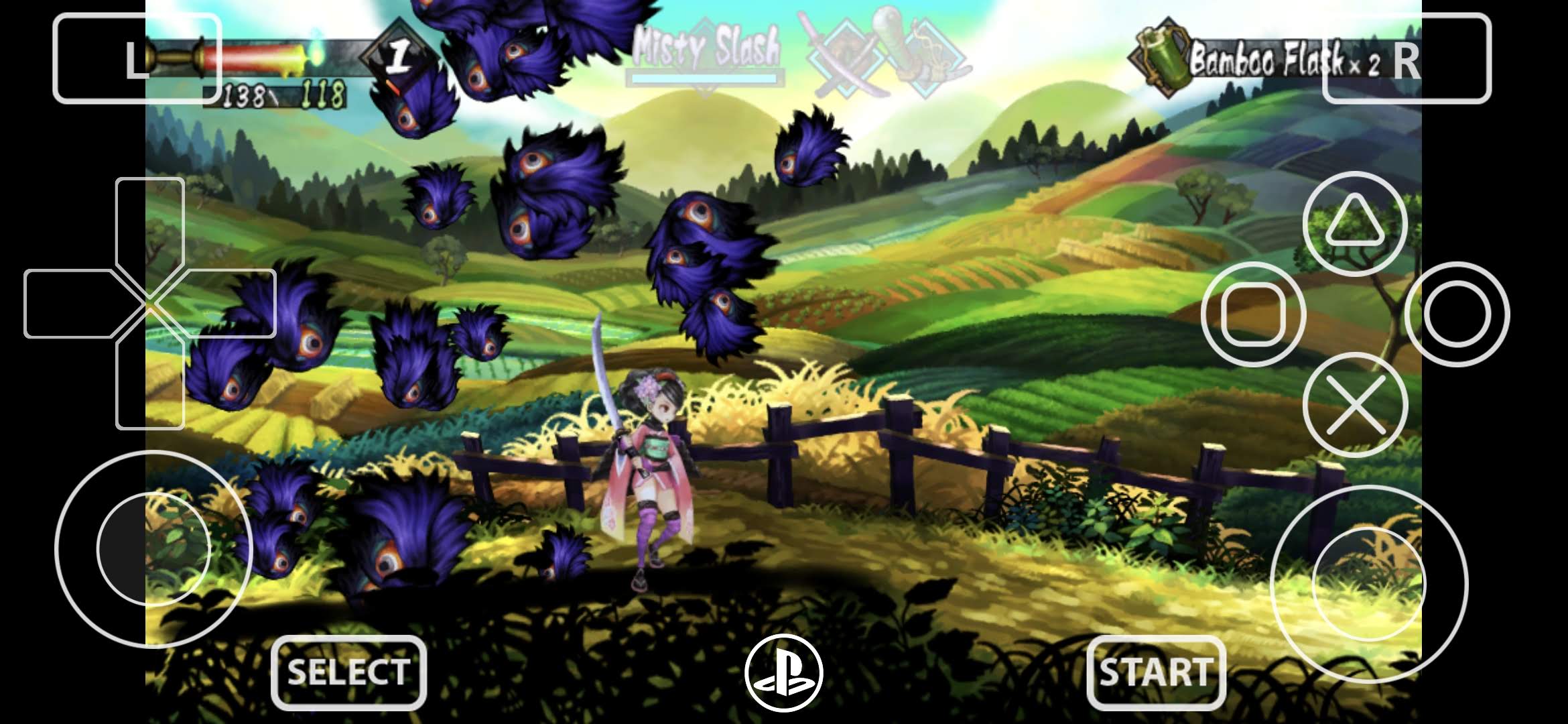
1. Muramasa Rebirth
If you want the fastest possible way to make a showcase of your Vita3K, start here.
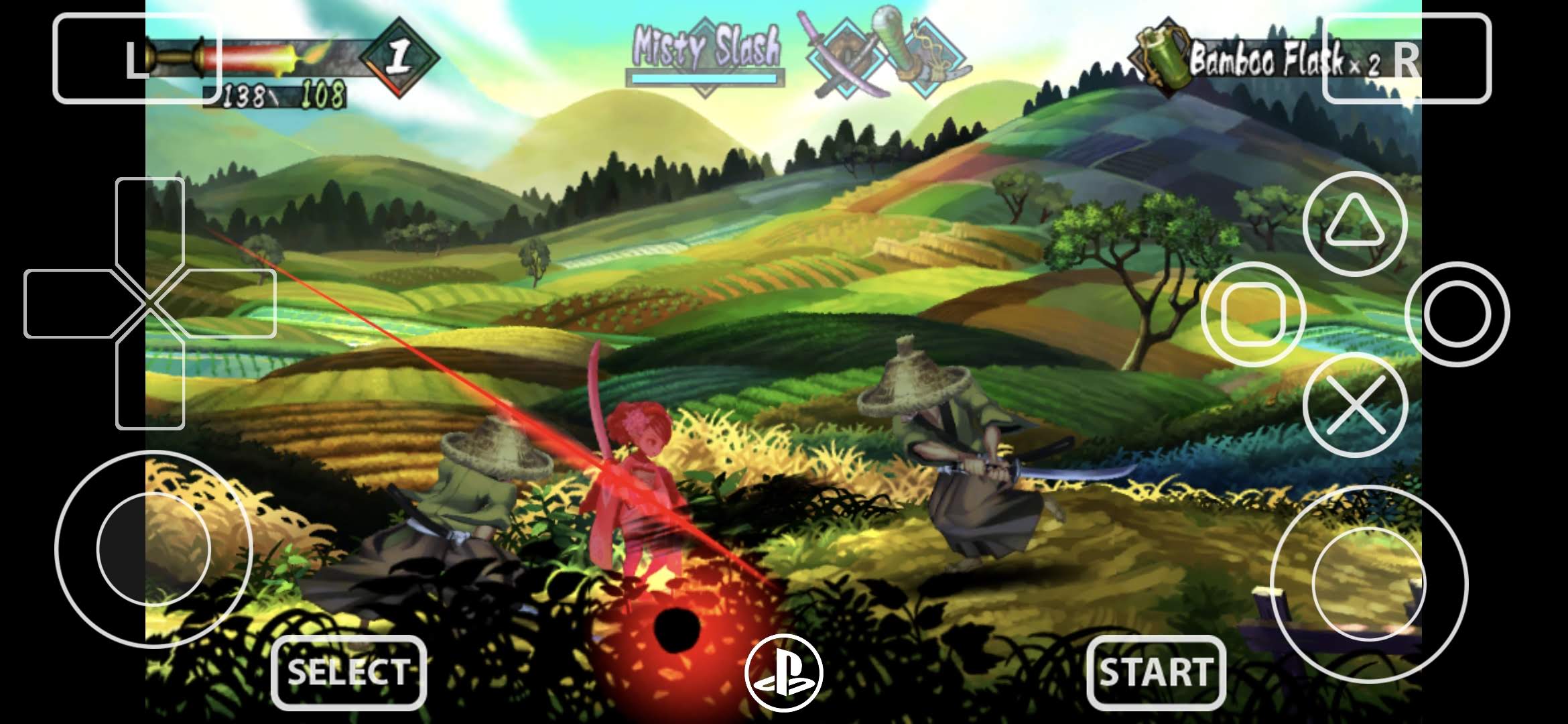
Muramasa Rebirth is the perfect “first boot” game. It is fast, it is gorgeous, it scales beautifully on modern screens and it immediately reminds you that the Vita was home to some genuinely ridiculous art direction. On a decent Android handheld, this is one of those games that makes people go into WOW mode and say things like, wait I don’t remember vita graphics being this good.
It is also one of the safest early wins, but only if you use the right version. This is important: Muramasa Rebirth should be updated to v1.06. That is not some optional perfectionist tweak. It is the version that works on Vita3K and even community upload notes explicitly flag the base game as problematic while the 1.06 build is the one that actually behaves.
There are also user reports that the EU version with the 1.06 patch can behave better than the US release on certain Android devices, especially on weaker or non Snapdragon handhelds.
Best Turnip driver starting point:
- Adreno 7xx / 8 Gen: Mr. Purple T19
- Second choice: Turnip 25.1.0 R2
- Adreno 6xx: try stock Qualcomm Vulkan first, then test T19
- Mali devices: stock
Recommended settings:
- Renderer: Vulkan
- Internal Resolution: 2x on most decent handhelds
- 3x: viable on Odin 2-class hardware if stable
- Anisotropic Filtering: 4x or 8x
- Per-game config: yes, always
2. Dragon’s Crown
If Muramasa Rebirth is the easiest way to make Vita3K look good, Dragon’s Crown is the easiest way to make it look expensive (well, kind of).
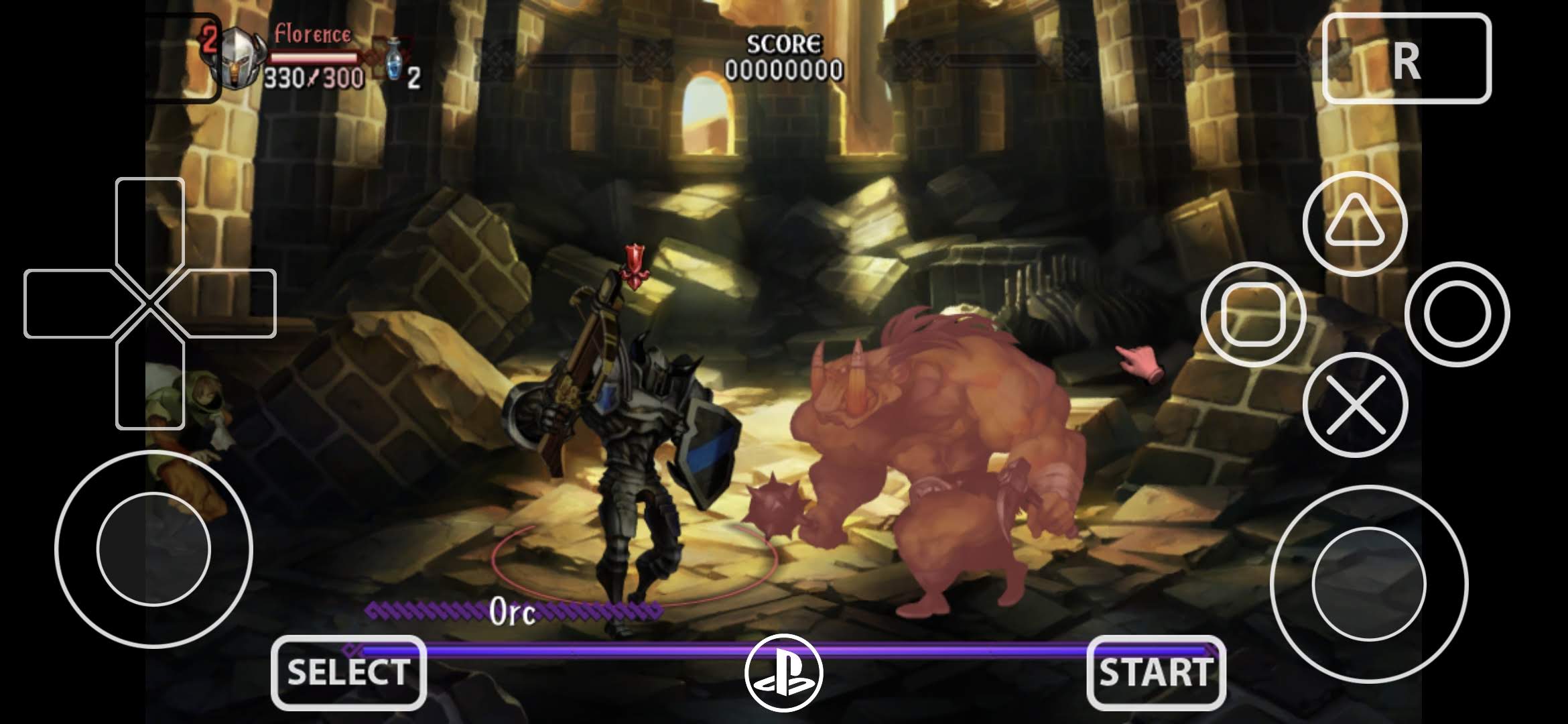
This is still one of the best games to show off on an Android handheld because it plays directly into Vita3K’s strengths. Big hand painted sprites, good animation, gorgeous layering and enough visual density to make 2x resolution feel like an immediate upgrade.
Multiple users have actually reported Dragon’s Crown running surprisingly well on Android Vita3K, in some cases even feeling better than their PC tests in specific scenes.
Just like with Muramasa, versioning matters.
Dragon’s Crown should be updated to v1.09. That is the version everyone keeps recommending in Vita3K discussions and even community archive notes specifically call out v1.09 included as the build to try.
Best Turnip driver starting point:
- Adreno 7xx / 8 Gen: Turnip 25.1.0 R2
- If you get weird menu behavior or odd frame pacing: switch to Mr. Purple T19
- Adreno 6xx: stock Qualcomm Vulkan first, then compare with T19
Recommended settings:
- Renderer: Vulkan
- Internal Resolution: 2x is the sweet spot
- 3x: possible on stronger Snapdragon handhelds but not necessary
- Texture filtering: keep it clean
- Per-game config: yes
3. Odin Sphere Leifthrasir
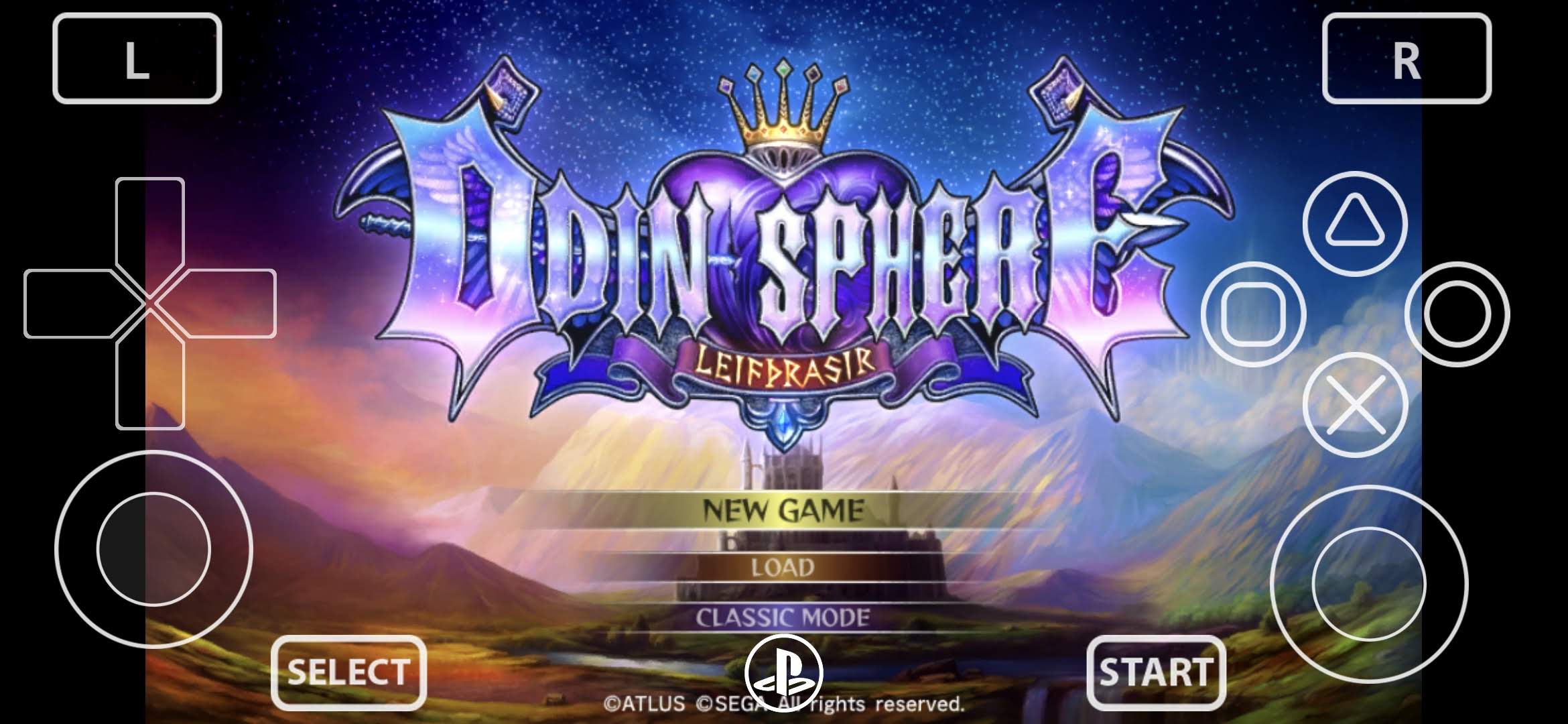
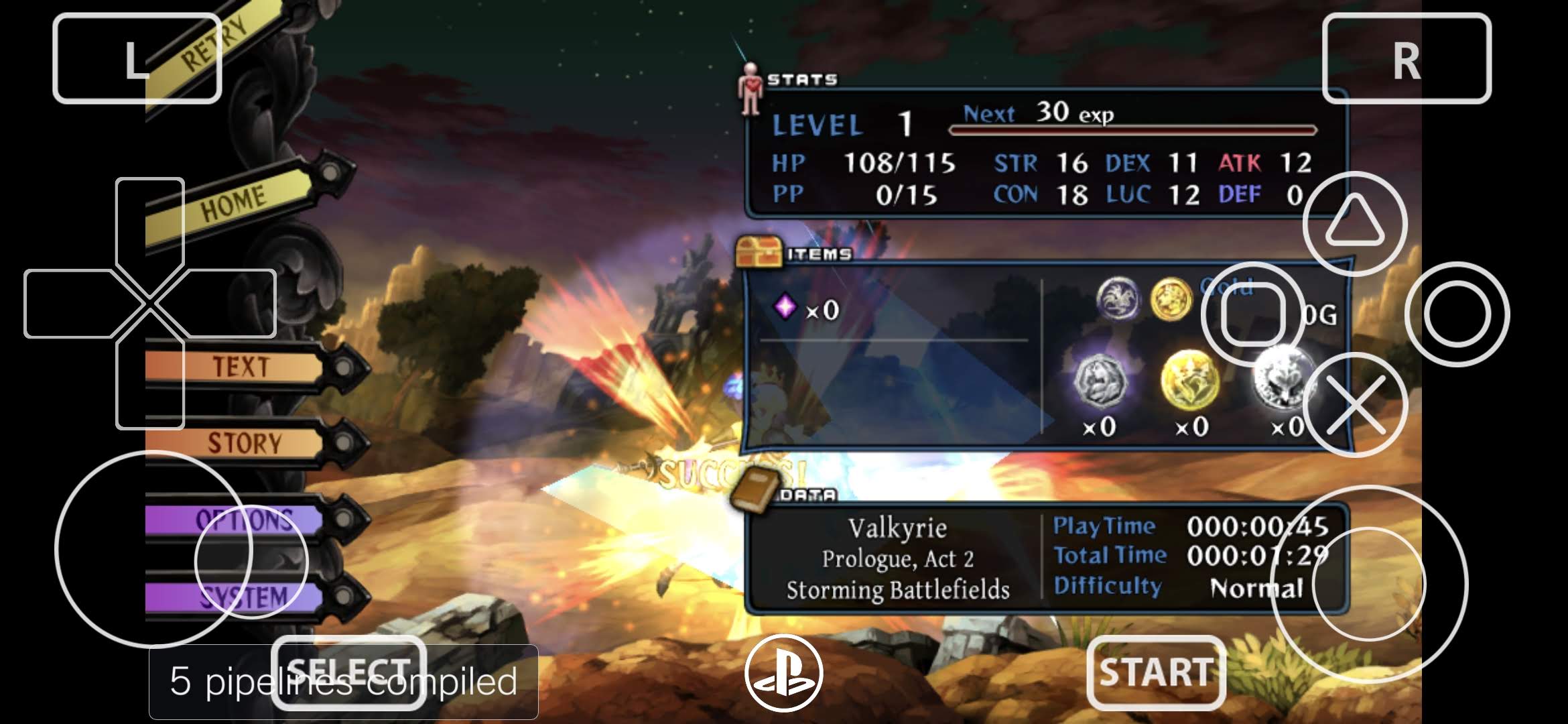
Odin Sphere Leifthrasir is another Vanillaware title, which means it is predictably gorgeous, but it is also slightly less forgiving than the first two games. It is busier, a little heavier and much more likely to expose weak thermals or bad driver choices if your handheld is not quite as ready as you thought.
That does not make it a bad test. Quite the opposite. It makes it one of the best “second wave” games after Muramasa and Dragon’s Crown, because it tells you whether your handheld can handle the pretty stuff once the scenes get busier.
Community reports still line up with that. Users testing Dragon’s Crown and Odin Sphere on Android Vita3K have repeatedly described the game as playable and visually excellent, but also more likely to show occasional lag or dips compared to the lighter showcase picks.
Best Turnip driver starting point:
- Adreno 7xx / 8 Gen: Mr. Purple T19
- If you want a more aggressive performance-first try: Turnip 25.1.0 R2
- Adreno 6xx: stock Qualcomm Vulkan first, then compare with T19
Recommended settings:
- Renderer: Vulkan
- Internal Resolution: 2x on stronger handhelds
- 1x or 1.5x: on weaker devices like older Snapdragon 865-class handhelds if it struggles
- Anisotropic Filtering: 4x
- Per-game config: absolutely yes
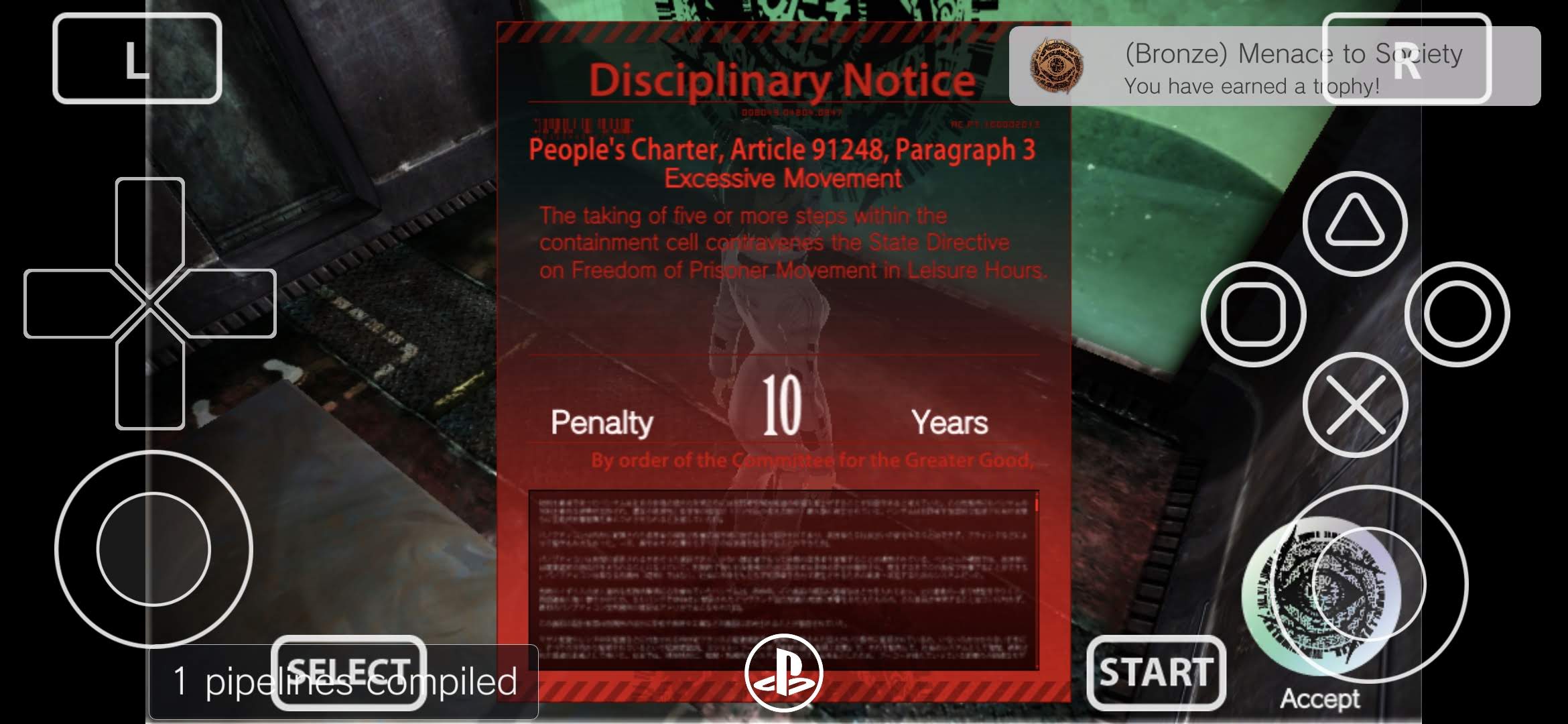
4. Freedom Wars
This is where the “hard” mode starts.
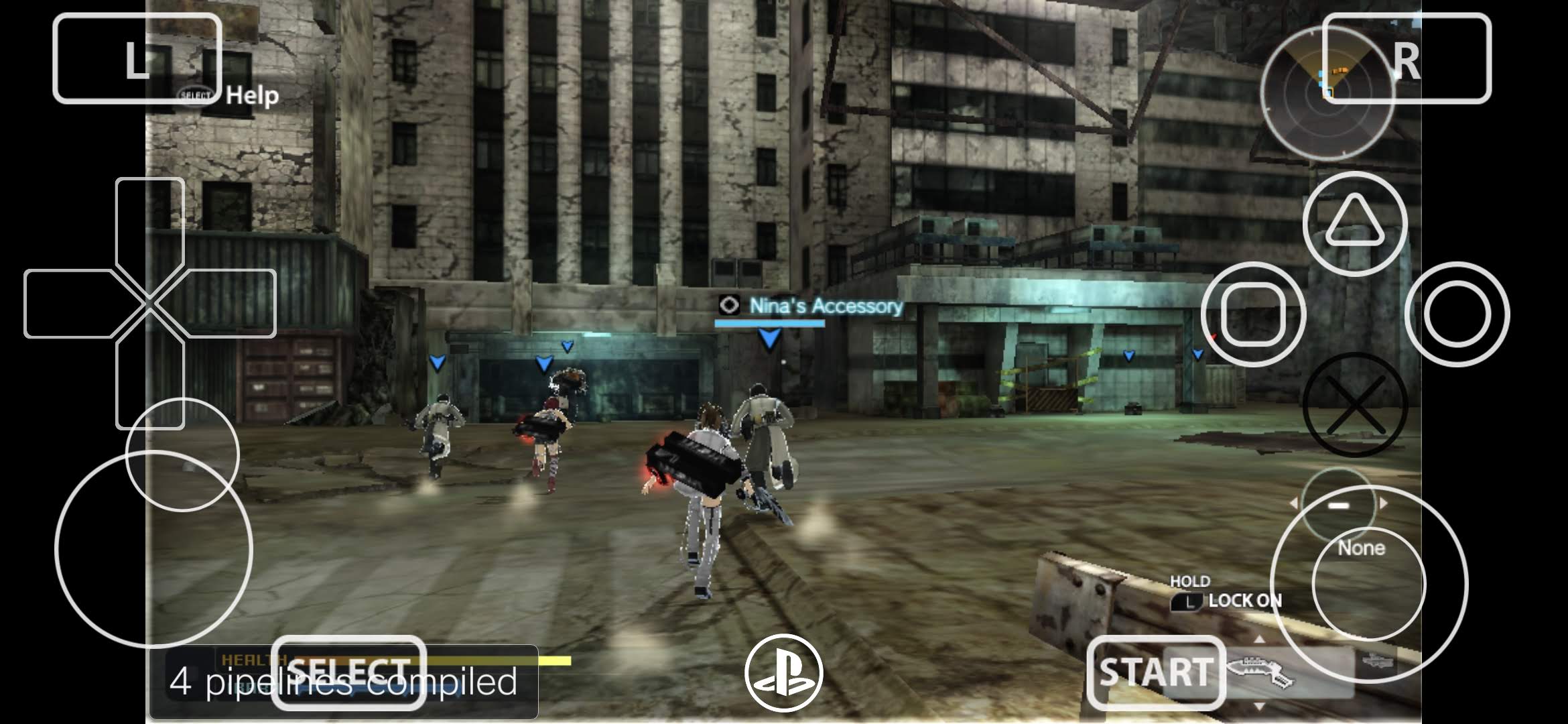
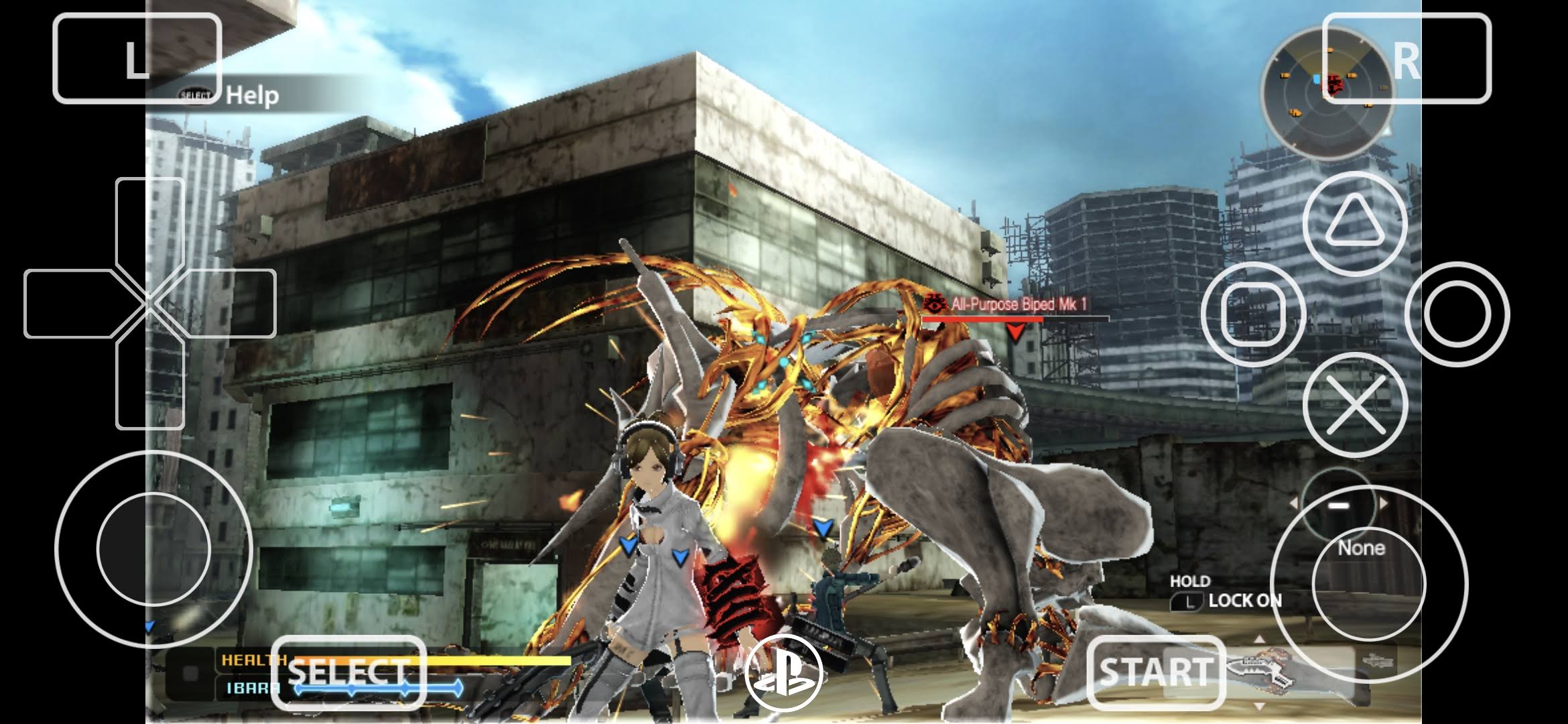
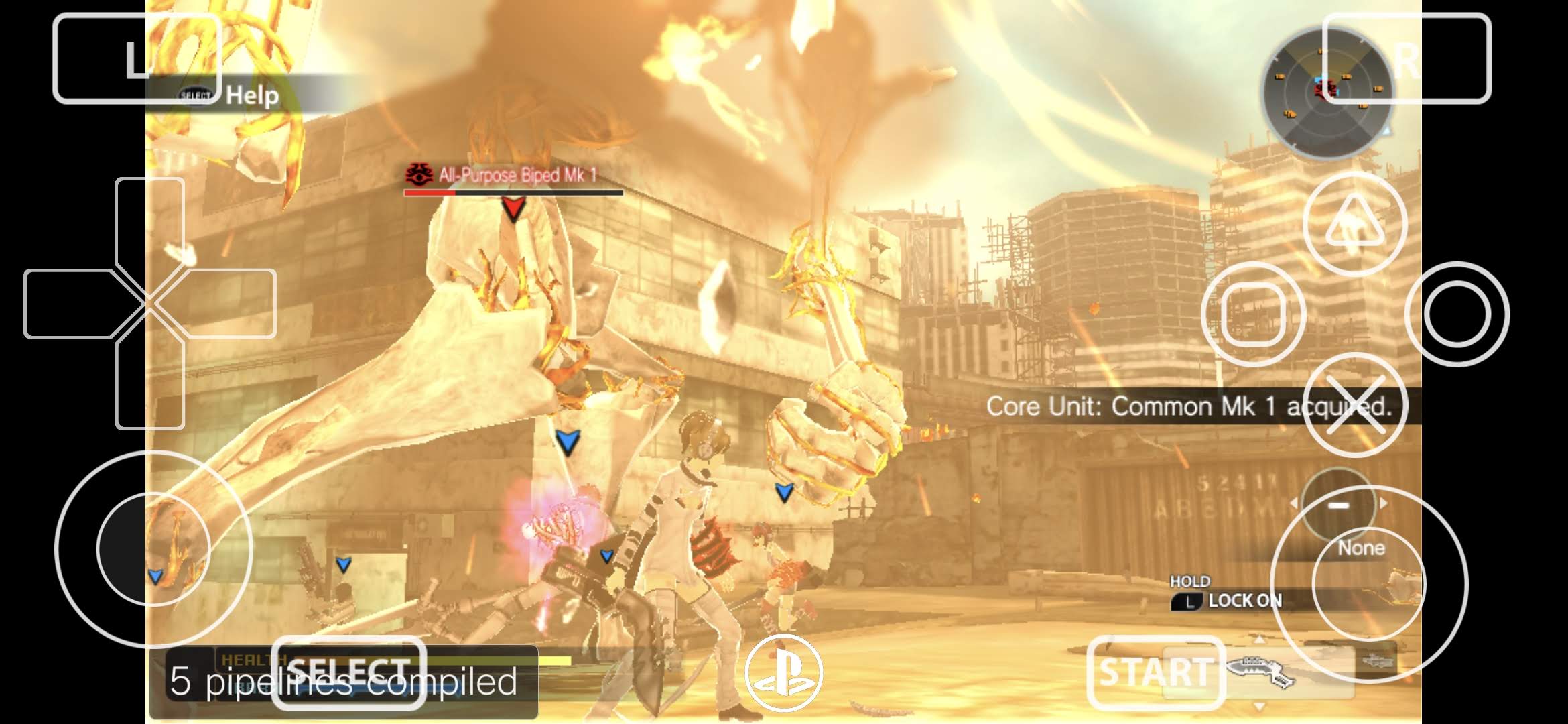
Freedom Wars is the point where Vita3K on Android goes from hero to zero if you don’t have the perfect config.
This is not a cute sprite test. It is not a “look at the art” game. Freedom Wars has enough going on that it starts separating the handhelds that are merely good at showing off from the ones that can genuinely handle heavier Vita workloads.
The official Vita3K team still uses Freedom Wars as one of the examples of notable playable titles when discussing progress, which tells you a lot about how relevant it remains as a benchmark game.
Best Turnip driver starting point:
- Adreno 7xx / 8 Gen: Mr. Purple T19
- If you hit instability or random weirdness: Mr. Purple T20
- If it is stable but not as fast as expected: test Turnip 25.1.0 R2
- Adreno 6xx: stock Qualcomm Vulkan first
Recommended settings:
- Renderer: Vulkan
- Internal Resolution: 1x first
- 2x only if the device clearly has headroom
- Per-game config: mandatory
- Thermal reality check: yes, actually play for more than 10 minutes
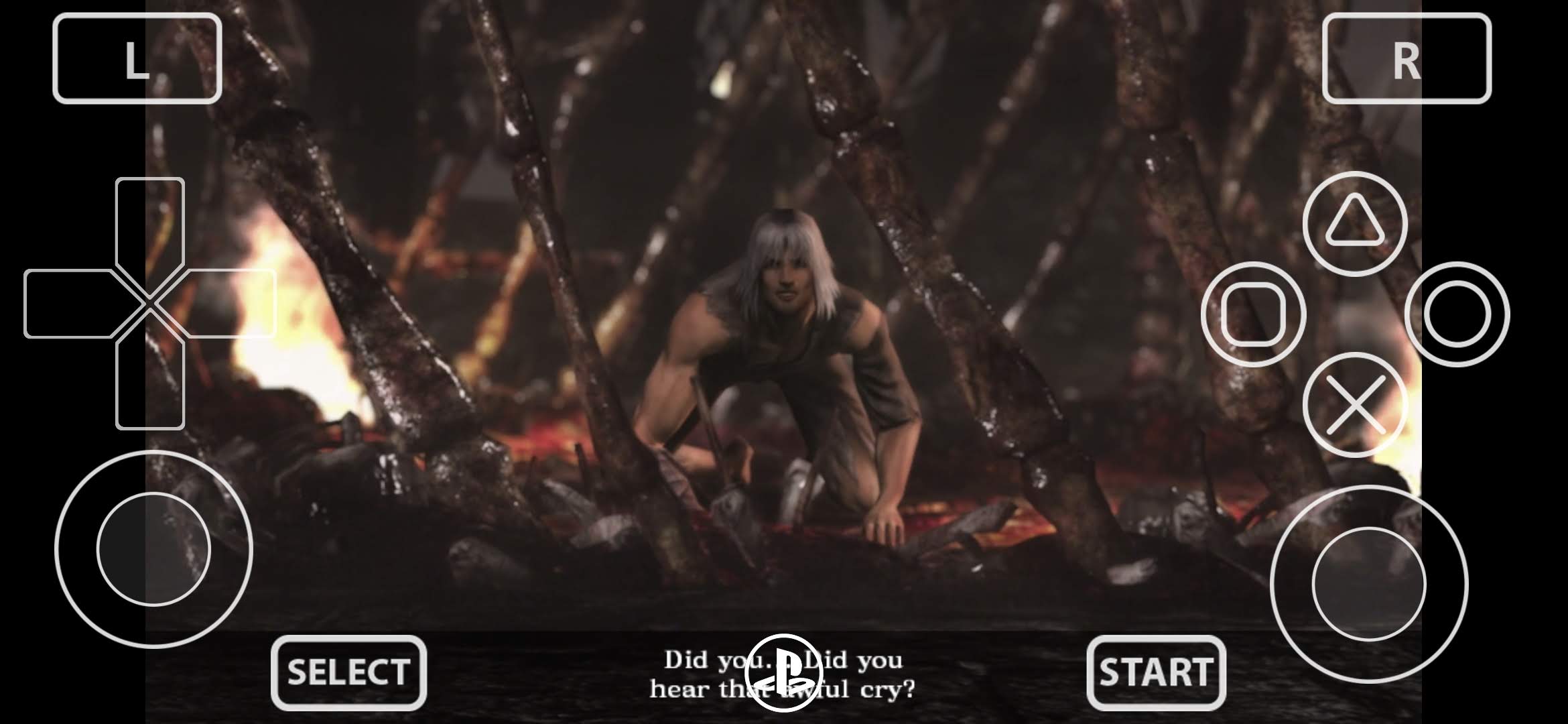
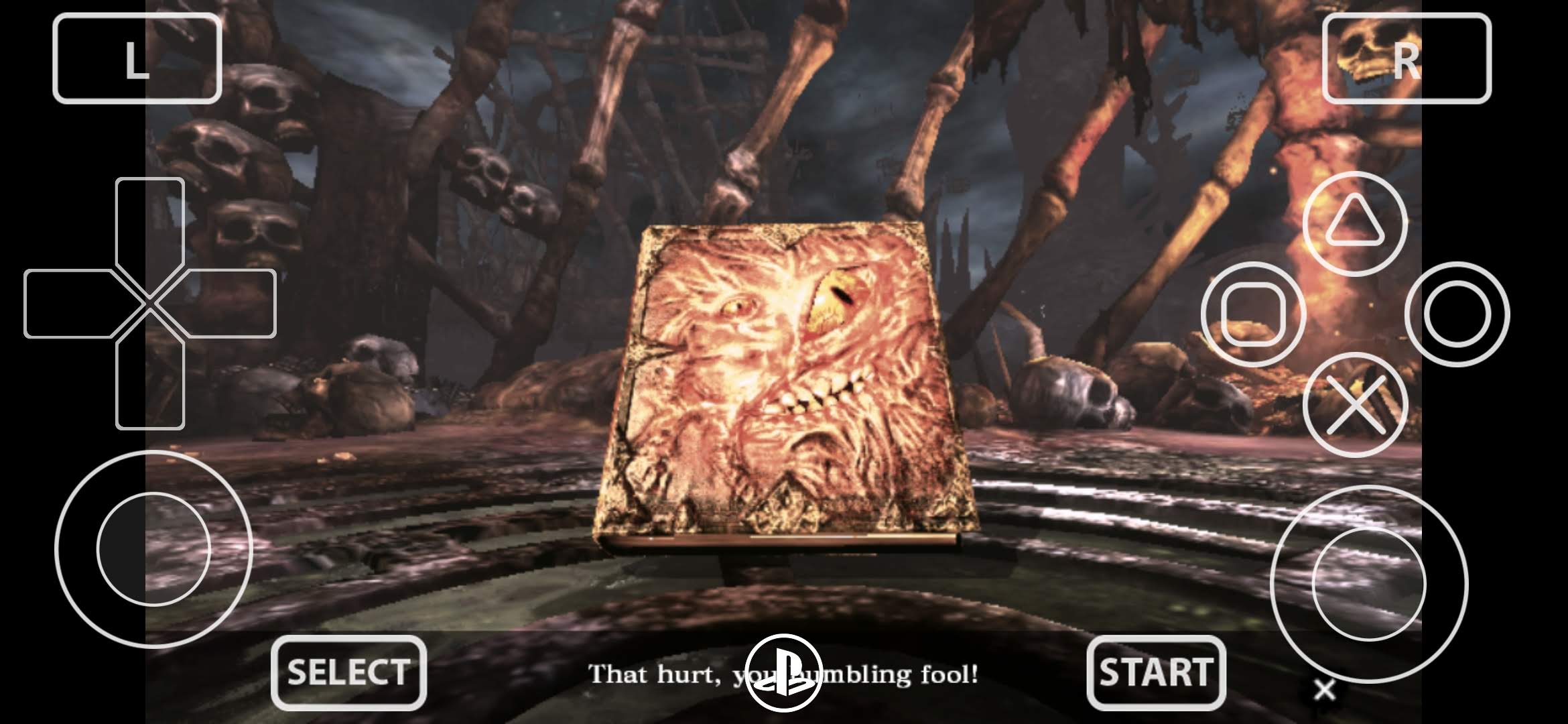
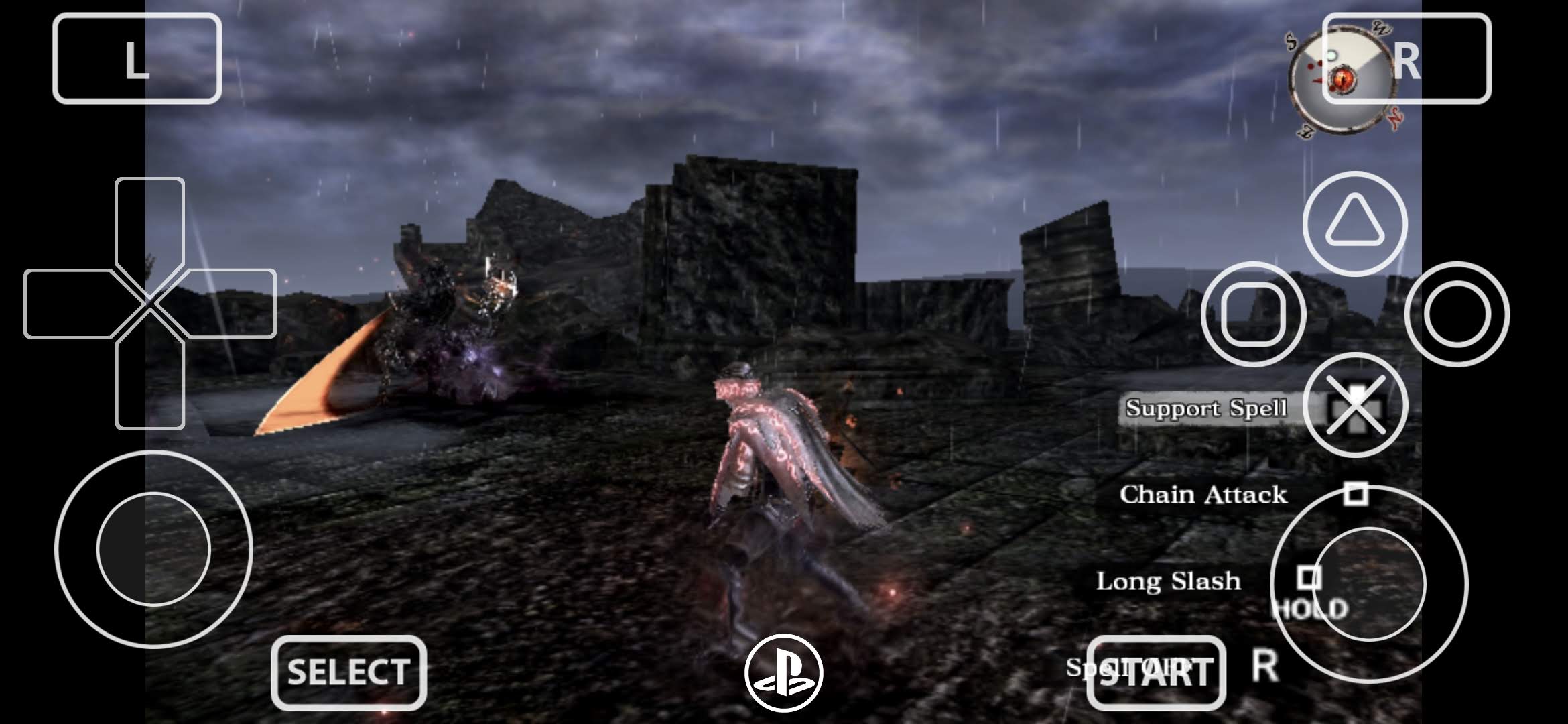
5. Soul Sacrifice Delta
If Freedom Wars is your “can this device handle a proper Vita game?” test, then Soul Sacrifice Delta is your “how much do you trust your thermals?” test. A game that will most likely make weaker phones thermal throttle. This game is heavier than people remember. The particle effects, the atmosphere, the fog, the spell clutter and the overall visual chaos make it one of the best examples of a Vita title that can look fine in a short clip and then absolutely humble your handheld during an actual session.
It has been singled out more than once in Android Vita3K roundups as one of the more demanding titles because of its visual effects load, which is exactly why it is useful here.
Best Turnip driver starting point:
- Adreno 7xx / 8 Gen: Mr. Purple T19
- If you get random stutters or instability: Mr. Purple T20
- If it is stable but you want more performance: test Turnip 25.1.0 R2
- Adreno 6xx: stock Qualcomm Vulkan first, then compare
Recommended settings:
- Renderer: Vulkan
- Internal Resolution: 1x
- 2x only on genuinely strong hardware and only if it stays stable
- Per-game config: yes
- Session length: test 20 to 30 minutes, not just the intro
Few honorable mentions
If I had to recommend the best five games to validate a fresh Vita3K Android setup in 2026, in order, it would still be this:
- Muramasa Rebirth
- Dragon’s Crown
- Odin Sphere Leifthrasir
- Freedom Wars
- Soul Sacrifice Delta
FULL DISCLAIMER: I own both Retroid Pocket 5 and Retroid Pocket Flip 2 (pretty much, the same device), however, I did not get lucky with stable gameplay on those devices. They crashed the emulator shortly after beginning a new game, however my Galaxy S24 ran them flawlessly. And the screenshots were taken on it. I don’t know if my devices are cursed, or this is a pretty common thing (since the S24 is also a snapdragon), but it was frustrating. So don’t give up, try different Turnip drivers, or try them all.
The first three games are your showcase games. They make the emulator look good, they scale nicely and they remind people that Vita had a premium software library. The last two are your reality checks. They are the games that expose whether your Android handheld is genuinely Vita3K capable or just very good at flattering 2D art.
If you want a few extra titles once these five are done, the next ones I would test are:
- Wipeout 2048 if you want a stronger GPU stress test. Community reports as recent as February 2026 suggest newer Vita3K nightlies plus Turnip v25 are making this one work far better on Snapdragon devices.
- Tearaway if you want to poke at touch and gimmick heavy design
- Killzone Mercenary if you enjoy benchmarking
- Ys: Memories of Celceta if you want a more practical RPG test
The biggest mistake people make after installing Vita3K is going straight for the hardest game in the library and then acting shocked when Android emulation is like, well… Android emulation.
Don’t do that and remember, Vanillaware titles are your starting point.
Dejan Balalovski
Discover more from AndroGaming.com
Subscribe to get the latest posts sent to your email.